
Know what you have. Know what comes next.
A practical education hub for the people responsible for the records. Identify the media, understand the tradeoffs and plan a useful digital outcome.
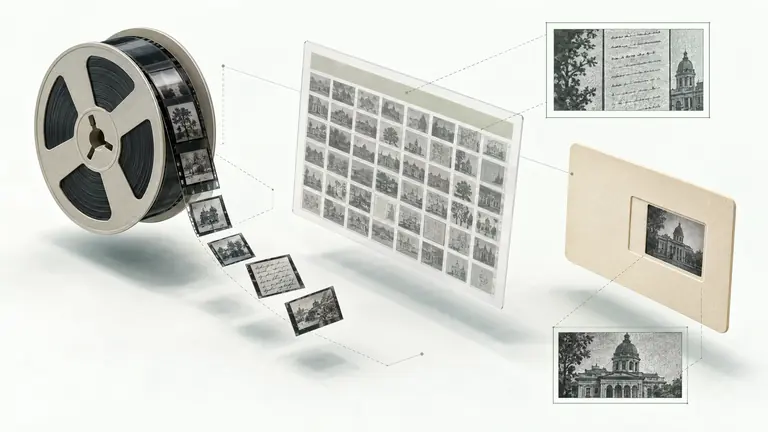
Start with the question that unlocks the next one.
Recognize the material. Explore the details.
Microfilm, microfiche or aperture card?
These family names describe different physical carriers. The details beneath each family help establish what is in a collection before planning a scan or index.
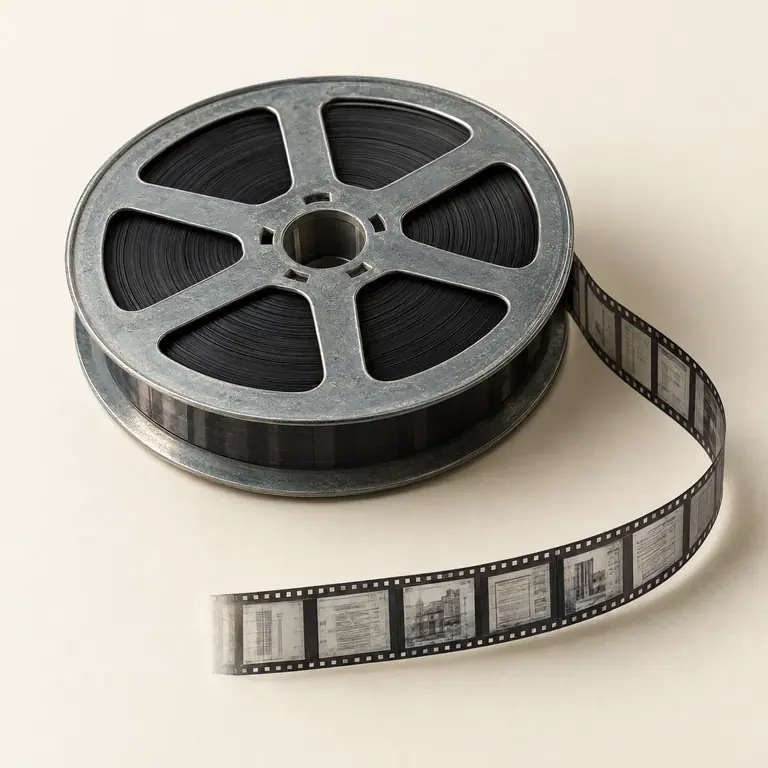
Microfilm
Film held on a reel or within a carrier, arranged as a continuous sequence of images.
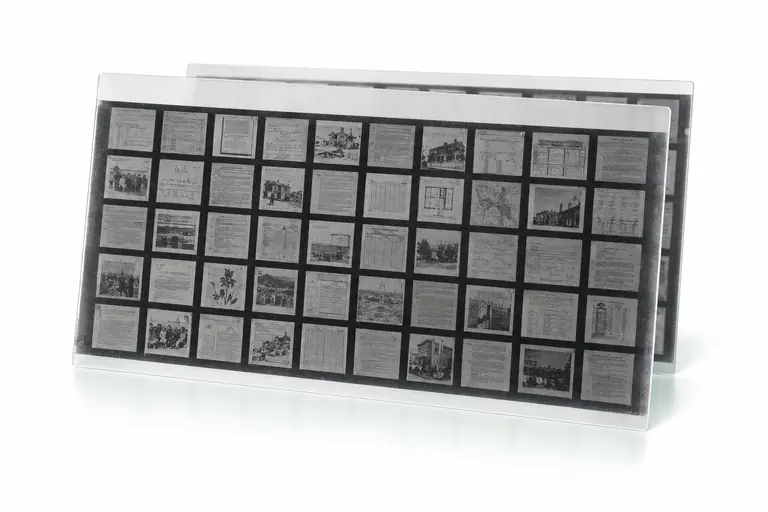
Microfiche
A flat sheet with a header and grid, or a transparent jacket carrier holding film strips in channels.
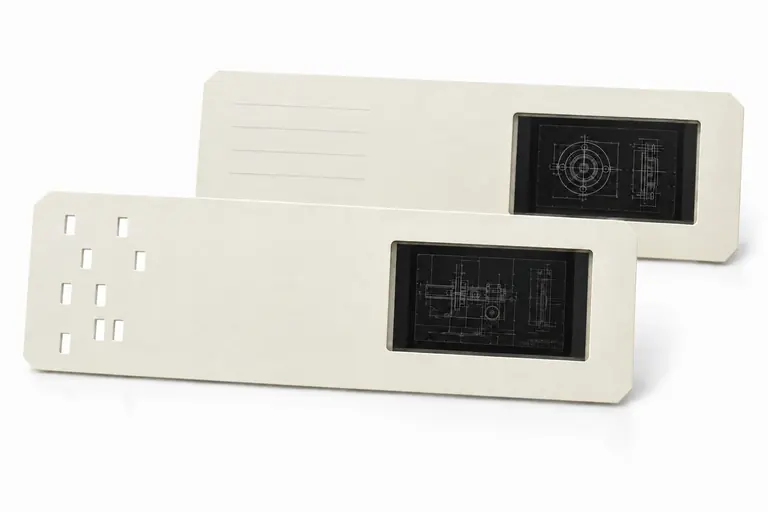
Aperture card
A card carrying a mounted microfilm frame, often used with drawing or engineering records.
33 useful guides
How to identify the microforms you have
Start with the physical carrier, not the storage-box wording or a scanner setting. Microform is the broad term for media carrying images too small to read without magnification. The carrier helps determine how images are accessed, described, and prepared for a digitization discussion.
Read the guide Microfilm formats16 mm and 35 mm: what the widths mean
16 mm and 35 mm name the width of a microfilm strip. They do not identify an original paper size, a standard frame count, a fixed reduction ratio, or a default scanning setting. The correct description pairs width with the rest of the film’s observable context.
Read the guide Microfilm formatsReels, rolls, cartridges, and cassettes
Carrier terms are not interchangeable. A microfilm reel, loose roll, cartridge, and cassette all hold roll film, yet their physical construction changes how the film is accessed and how a collection should be described for planning.
Read the guide Microfiche formatsMicrofiche types and the grids they use
Microfiche is a format family, not one uniform sheet type. The carrier, image-production method, reduction, heading, and frame layout all affect how a fiche collection is described, scanned, indexed, and made accessible.
Read the guide Microfiche formatsCOM and jacket fiche are different concepts
COM and jacket fiche are commonly confused because both may appear in a fiche drawer. They describe different things: COM identifies how images were produced, while a jacket describes the physical carrier that holds cut film strips. The distinction leads to better inventory and indexing decisions.
Read the guide Microfiche formatsHow to read microfiche reduction ratios
A reduction ratio describes the relationship between an original document and the microimage recorded on film. It is a fact about historical capture, not an instruction to use a matching scan-resolution number or a guarantee of the detail available in a digital file.
Read the guide Aperture cardsPunched and unpunched aperture cards
An aperture card can carry more than a microfilmed drawing. Its card face may contain printed, typed, stamped, handwritten, or punched information. The correct indexing route depends on what is actually present and whether the collection’s own punch convention is documented.
Read the guide Aperture cardsAperture-card scanning is not CAD conversion
A microfilmed engineering drawing can be digitized into a useful raster image, but pixels are not the same as editable CAD geometry. Separating the two outcomes makes a project scope clearer and avoids promising design functionality that a scan cannot create by itself.
Read the guide Project planningPrepare microforms without losing context
Preparation is not about making every microform look alike. It is about preserving original order and recording the observable facts that influence capture, indexing, and delivery. An orderly inventory lets a project start with evidence instead of assumptions.
Read the guide Capture planningResolution means more than a scanner setting
Resolution discussions are clearer when they identify the reference plane and the intended use. A nominal number on a scanner menu does not by itself prove original-document scale, usable fine detail, legibility, or OCR performance for a microfilm collection.
Read the guide Indexing and OCRChoose index fields people can use
A useful index is not a list of every visible word. It is an agreed set of structured fields that helps users find records and trace a digital file back to its source. Field design should begin with retrieval questions and the evidence the collection can actually support.
Read the guide Indexing and OCROCR can support search, not replace the image
Optical character recognition, or OCR, converts visible machine-printed characters into machine-readable text. For microforms, it can make a digitized collection easier to search, but the quality of the original document, filming, film condition, and page layout all influence what text can be extracted.
Read the guide Document managementPlan a document-management import before delivery
A document-management import is not simply a folder of scanned files. It is a defined relationship among files, structured metadata, the destination’s configuration, access roles, and acceptance criteria. Planning those pieces early reduces avoidable rework at release time.
Read the guide Document managementChoose PDF, PDF/A, and TIFF by file role
PDF, PDF/A, and TIFF are different file formats with different strengths. The useful question is not which one is universally best; it is which file role the project needs, what the source image requires, and what the customer’s destination or records policy accepts.
Read the guide Project planningA practical microform inventory checklist
A good inventory does not need to solve every technical question. Its job is to organize what is known, preserve collection context, and reveal the questions that should be reviewed before capture, indexing, OCR, or repository delivery is defined.
Read the guide Regional planningNew York City records planning: start with custody and a usable identifier
National Microfilm provides nationwide consultation from Moorestown, New Jersey. This educational guide is not a New York City office, records repository, or local service-location claim.
Read the guide Regional planningCook County records planning: identify the custodian before the collection
National Microfilm provides nationwide consultation from Moorestown, New Jersey. This educational guide is not a Cook County office, archive, or local service-location claim.
Read the guide Regional planningLos Angeles County records planning: route the request to the right department
National Microfilm provides nationwide consultation from Moorestown, New Jersey. This educational guide is not a Los Angeles County office, records repository, or local service-location claim.
Read the guide Regional planningHarris County records planning: match the record to its public source
National Microfilm provides nationwide consultation from Moorestown, New Jersey. This educational guide is not a Harris County office, archive, or local service-location claim.
Read the guide Microfilm formatsIdentify and digitize 16mm microfilm
16mm microfilm is a narrow roll-film format, but width alone does not describe the records on it. National Microfilm reviews representative samples to align scanning, indexing, OCR, and approved delivery scope with visible film characteristics.
Read the guide Microfilm formatsHow to identify and digitize 35mm microfilm
35mm identifies the width of the microfilm strip, not its carrier, page size, reduction ratio or film material. A useful digitization plan records those separate facts before capture decisions are made.
Read the guide Microfilm formatsHow to identify and scan microfilm cartridges
A microfilm cartridge is a protected carrier, not a complete description of the film inside it. Identifying the single-hub housing first, then recording the film attributes and access constraints, helps a scanning conversation start from observable facts rather than assumptions.
Read the guide Microfilm formatsIdentify and scan two-core microfilm cassettes
A microfilm cassette is an enclosed, two-core carrier—not a separate image type. Identifying the carrier correctly helps determine compatible equipment, what to record at intake, and which questions a sample scan should answer.
Read the guide Microfilm formatsHow blipped microfilm marks support retrieval
Blipped microfilm is roll microfilm with small optical retrieval marks in a channel above or below the document-image area. These marks can help compatible systems count or locate frames, but they do not explain the records or replace an index.
Read the guide Microfilm formatsIdentify one-up and two-up microfilm layouts
Simplex and duplex are image-layout terms for roll microfilm. They describe how page images were placed on the film, not the carrier, width, polarity, film material, or scanning outcome.
Read the guide Microfiche formatsHow to identify source-document and step-and-repeat microfiche
Source-document fiche holds camera exposures of original documents in a flat grid. Knowing how it was made helps separate a camera-produced sheet from a jacket holding cut strips or a COM fiche generated from computer data, then plan scanning around the actual record.
Read the guide Microfiche formatsHow to identify and plan COM microfiche scanning
COM microfiche can look like any other grid-based fiche until its heading and dense computer-generated pages are examined. This guide explains what COM means, which details to record, and how a representative sample can inform scanning, indexing, OCR, and delivery decisions.
Read the guide Microfiche formatsJacket microfiche: channels, strips, and scanning
Jacket microfiche is a strip-in-channel carrier, so a useful digitization plan begins by documenting the jacket and the individual film strips it holds. That distinction helps preserve sequence, select an indexing method, and set realistic expectations for image quality and OCR.
Read the guide Microfiche formatsHow to plan an ultrafiche scanning project
Ultrafiche needs more than a sheet count. Its exceptionally high reduction and nonstandard grid make physical inspection and representative samples the reliable starting point for capture and retrieval decisions.
Read the guide Aperture card formatsScanning Hollerith-punched aperture cards
Hollerith-punched aperture cards combine two record layers: a mounted microfilm image and holes in the card body that may encode retrieval data. A useful digitization plan preserves both layers, then uses a verified code map and sample review to decide what can be indexed and delivered.
Read the guide Aperture card formatsHow to scan unpunched aperture cards
Unpunched aperture cards combine a paper carrier and mounted microfilm image without hole-coded metadata to decode. Identify the card, its visible labels, its film frame, and any drawing register separately. National Microfilm reviews representative cards to define sample-based scanning, indexing, OCR, and approved delivery scope.
Read the guide Film attributesPositive and negative microforms: polarity explained
Polarity describes the light-and-dark relationship of the microimage, not its carrier, width, layout, reduction ratio, or film material. National Microfilm reviews representative material to help define scanning, indexing, OCR, and approved delivery scope.
Read the guide Film attributesHow to identify silver halide, diazo and vesicular microforms
Silver halide, diazo and vesicular describe the image-forming material on a microform, not the carrier, layout or record subject. A reel, fiche, jacketed strip or aperture card can be assessed separately for its material, polarity, reduction, generation and base. National Microfilm reviews representative samples to help define scanning, indexing, OCR and approved delivery scope.
Read the guideTurn your questions into an inventory.
Our interactive worksheet helps you organize media counts, identifiers, retrieval fields and destination requirements. Download a copy for your team—no email gate.
Open the inventory worksheetYour collection.
Our next conversation.
Tell us what you have—even if you’re not sure. We’ll help define the next step.
(800) 477-0847225 Executive Dr
Moorestown, NJ 08057
Serving organizations nationwide.